
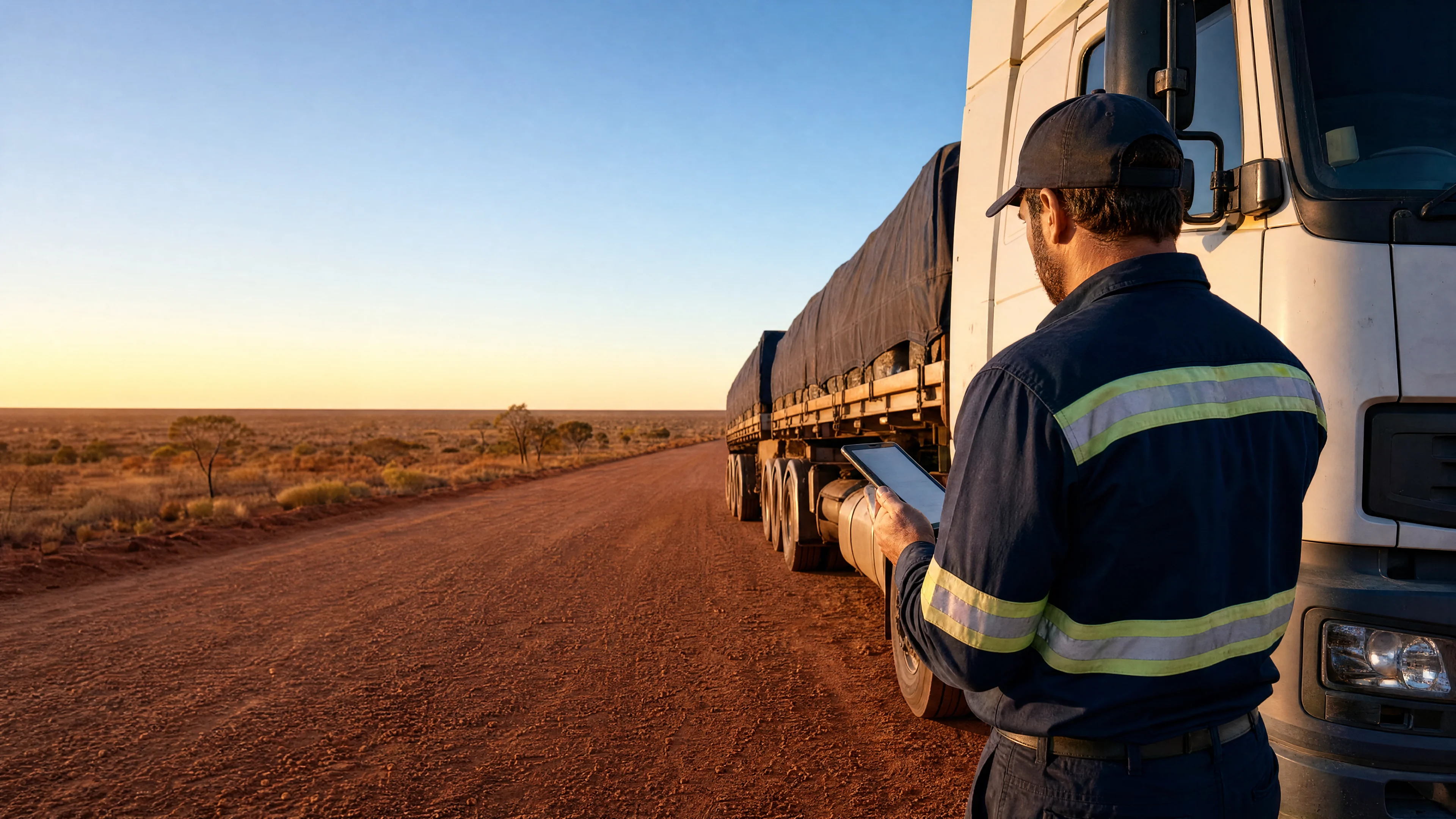
The mobile app drivers actually want to use.
Digital pre-start checks, two-way messaging, job dispatch, and EWD integration. Built for Australian drivers with offline capability for remote areas.
Why drivers avoid most fleet apps
Paper logbooks, missed messages, and compliance headaches slow drivers down. Here's what they tell us.
Paper logbook chaos
Drivers spend 15+ minutes per shift on paper pre-start checks, then managers can't read their handwriting or find the clipboard.
Communication black holes
Drivers miss dispatch calls, job changes arrive too late, and there's no record of who approved what when you're on the road.
Compliance burden on drivers
Drivers juggle separate apps for EWD, job sheets, and timesheets. NHVR audits become driver headaches when records don't sync.
Built for drivers, not IT departments
Everything drivers need in one app. No training manual required.
Digital pre-start vehicle checks
Tap through customised checklists in under 5 minutes. Take photos of defects, flag issues to maintenance, and auto-notify dispatch if a vehicle is off the road.
Two-way messaging with dispatch
Instant messages replace phone tag. Drivers get job updates, ETA changes, and customer notes. Dispatch sees read receipts and location context.
Job dispatch and navigation
Accept jobs, see customer details, and tap for turn-by-turn navigation. Update job status (arrived, loading, complete) so dispatch has live visibility.
Electronic work diary (EWD) integration
Integrates with TCA-approved EWD systems. Drivers can view synced fatigue countdowns and compliance status alongside jobs, while managers get a unified view of hours, locations, and safety events.
A driver's day with the Ctrack app
From pre-start to clock-off, here's how it works in practice.
Start shift: Pre-start check
Driver opens the app, selects their vehicle, and taps through the digital checklist. If they spot a cracked mirror, they take a photo, flag it as a defect, and the maintenance team gets an alert. Total time: 4 minutes.
Accept jobs and navigate
Dispatch assigns a delivery. Driver sees the customer name, delivery address, and special instructions. They tap "Accept," then hit "Navigate" to get Google Maps directions straight from the job card.
Update status and message dispatch
Driver arrives on-site and taps "Arrived." If there's a loading delay, they send a quick message to dispatch: "Waiting 30 min for forklift." Dispatch sees the message with timestamp and GPS location.
Submit EWD and end shift
At the end of the day, driver reviews their work diary (auto-populated from GPS), confirms rest breaks, and submits to the NHVR portal. Clock off. Done.
What you get when drivers actually use the app
High adoption drives measurable outcomes. Here's what changes.
Rapid driver adoption
Drivers download it because it makes their job easier, not because compliance says they have to. Intuitive design means minimal training time.
Reduction in admin time with EWDs
No more chasing drivers for paper logbooks or scanning hand-written defect reports. Everything's digital, timestamped, and auditor-ready.
Measurable on-time improvement
Real-time job updates, instant dispatch communication, and GPS navigation mean drivers arrive on time more often, and dispatch knows why when they don't.
Privacy modes protect drivers off-duty
Drivers can pause tracking when they take the truck home or use it for personal errands. GPS resumes automatically when they clock on. No Big Brother concerns.
Driver app FAQs
Common questions from fleet managers and drivers.
Book a 20-minute demo. We'll walk you through pre-start checks, job dispatch, and EWD integration on a real driver device.