The call always lands when you are nowhere near a desk. A customer wants an ETA, a site wants to know if the truck left, and you are standing in a car park with a phone. The Ctrack Crystal app puts your whole fleet on that phone, so you answer in seconds instead of ringing round drivers.
See every vehicle on a live map, wherever you are standing.
Get pushed an alert the moment a vehicle leaves a site.
Replay any trip to settle a dispute before it escalates.
Free on iOS and Android with your Crystal subscription.
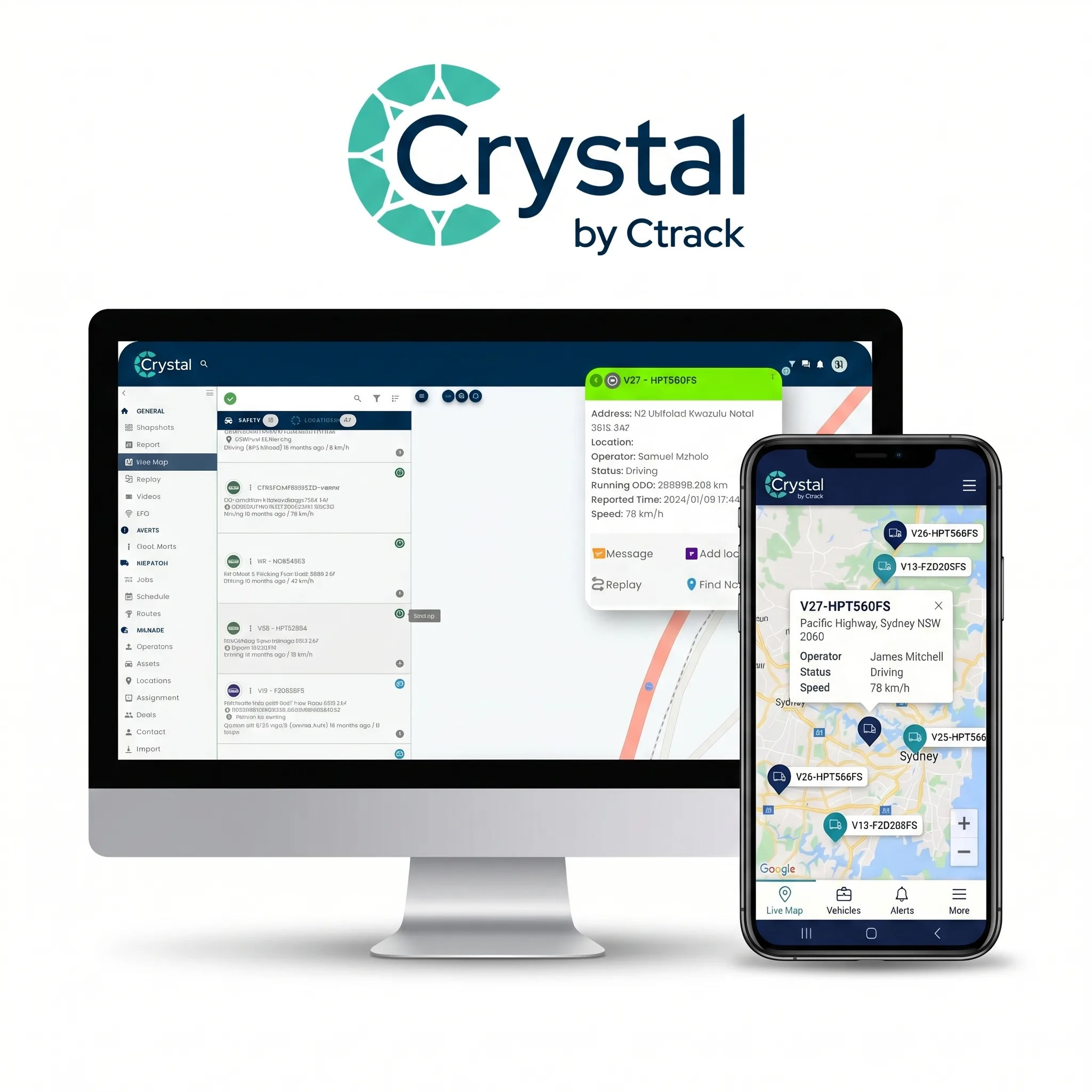
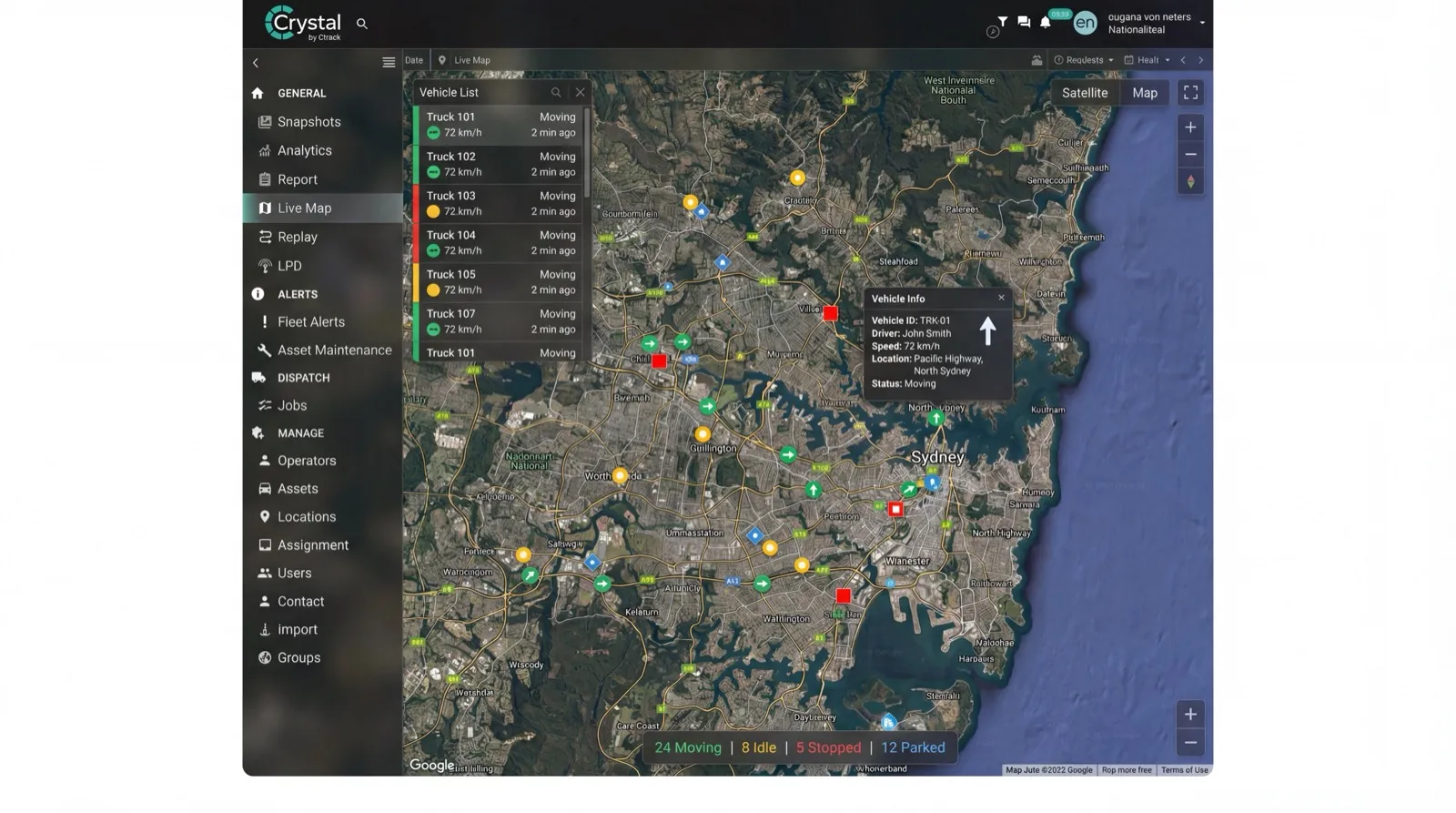
Your fleet on a live map: every vehicle, its driver and its current status, on a phone screen.
Alerts that reach you: geofence, speeding and after-hours movement pushed to your phone.
Trip history and replay: retrace any run, including every stop and how long it lasted.
Driver scorecards: who is speeding, braking hard or idling, ready to coach from.
Two-way messaging: change a job without a call the driver cannot legally take.
One account, every device: the same fleet on desktop, tablet and phone.
Book a Demo
See the Ctrack Crystal vehicle tracking app on a real fleet. We will walk you through the live map, alerts and driver scores on both the app and the desktop platform.
What a vehicle tracking app puts in your hand
Most fleet questions are not complicated. Where is that van. Did the ute leave the depot. Who was driving when the speeding alert came through. They are only hard because the answer lives on a screen back at the office, and you are not at the office.
The Ctrack Crystal app moves that screen into your pocket. Sign in on an iPhone, iPad or Android device and you get the same live map, the same alerts and the same trip history your dispatcher sees, on the same account. If you are still choosing the underlying platform and hardware, start with vehicle tracking. This page is about the mobile app that sits on top of it.
Why fleet managers run tracking from a phone
A desktop platform answers questions when you are sitting down. Most of the day, you are not. Mobile access changes which problems you can actually deal with in the moment.
Answer the customer first time
An ETA request used to mean ringing the driver, waiting for a callback, then ringing the customer. Open the map, tap the vehicle, read the address and speed, and reply while you are still on the call. The driver never gets interrupted mid-run.
Know about it after hours
Vehicles move at night, on weekends and on days you are not rostered on. A geofence alert pushed to your phone tells you a vehicle left the yard at 2am while there is still time to act, rather than on Monday morning when you are reading a report.
Settle disputes with the record
A customer says nobody turned up. A driver says they waited twenty minutes. Trip history and replay show where the vehicle was and how long it sat there, timestamped. The argument ends quickly and without anyone's word against anyone else's.
How the tracking app works
Three parts, and only one of them is the app. A GPS tracking unit is fitted to each vehicle, hardwired or plugged in, and reads its position, speed and ignition state.
That unit reports over the mobile network to the Crystal platform, hosted in Australian data centres. The app is the third part: it signs in to the same Crystal account as your desktop users and renders that data as a live map, an alert feed and a trip history. Nothing is tracked by the phone itself, which is why the vehicle stays visible after the driver has walked away from it.
What you can do in the Crystal app
The app is not a cut-down viewer with a map and nothing else. The work you would do at a desk mostly travels with you.
Live map and vehicle detail: position, speed, driver and status, tapped through in a couple of seconds.
Trip tracking and replay: retrace a route, including stops and how long each one ran.
Driver behaviour scorecards: see who is speeding, braking hard or idling, and coach from evidence. More on driver behaviour.
Two-way messaging: send a driver a job change without a phone call they cannot legally take.
Job management with navigation: assign the nearest vehicle and send the driver straight there.
Pre-trip inspections with photos: a defect gets recorded with an image, not a description.
Interactive dashboards and reports: the numbers you report on, readable on a phone screen.
Voice commands via Siri: ask for a vehicle's location without unlocking and tapping through.
Download the Ctrack Crystal app
Free to download on iOS and Android, and included with your Crystal subscription. Sign in with your existing Crystal account and your fleet is already there. Not a customer yet? Book a demo and we will set you up with a login first.
Pre-start checks, job dispatch, messaging and electronic work diary
Back office and finance
Crystal on desktop
Full reporting, exports and integrations into your other systems
One subscription, one account, one set of vehicles. Whichever app someone opens, they are looking at the same fleet data rather than a separate copy that has drifted out of date.
Vehicle tracking app FAQs
Yes. The Ctrack Crystal app is available free on the Apple App Store for iPhone and iPad, and on Google Play for Android phones and tablets. It is the mobile companion to the Crystal platform, so you sign in with the same account you use on the desktop and see the same fleet.
The app needs a GPS tracking unit fitted to each vehicle. The app is the screen you look at, not the thing that reports position. A hardwired or plug-in unit sends location over the mobile network, and the app shows it. Tracking a phone alone tells you where the phone is, not where the ute is when the driver walks away from it.
The app download is free. It is included with a Ctrack Crystal subscription rather than sold separately, so there is no extra per-user app fee for your team. Your subscription covers the tracking units, the platform and the app together.
Yes. The live map shows each vehicle's current position, speed and status, and refreshes as new positions arrive. You can tap a vehicle to see its address, driver and recent trip, so you can answer a customer without calling the driver.
There is no practical limit for a fleet of any size. The app draws on the same Crystal account as the desktop platform, so whether you run five utes or five hundred trucks, every vehicle you subscribe to appears on the same map.
They serve different people. The vehicle tracking app is for managers and supervisors who need to see the fleet: live map, alerts, trip history and driver scores. The driver app covers the in-cab workflow, including pre-start checks, job dispatch, messaging and electronic work diary. Many operations run both.
Related tracking solutions
The app is one way into the platform. These are the jobs it is most often opened to do.
See how Australian fleets use the Ctrack Crystal app to answer the where-is-it question in seconds, catch after-hours movement and coach drivers from real data. Book a demo and we will show you the app on a fleet like yours.